Installing tempered glass on a mobile screen is one of the easiest ways to protect it from scratches, cracks, and fingerprints. The process may look tricky, but with the right method, you can get a perfect fit without bubbles or dust.
Please Read – Super X Tempered Glass Wholesale
Why Install Tempered Glass Properly?
-
Ensures maximum screen protection
-
Prevents dust and bubbles from getting trapped
-
Maintains smooth touch sensitivity
-
Keeps the display clear and bright
Things You’ll Need
-
Tempered glass screen protector (for your mobile model)
-
Wet/dry wipes or rubbing alcohol
-
Microfiber cloth
-
Dust-removal stickers (usually included in the pack)
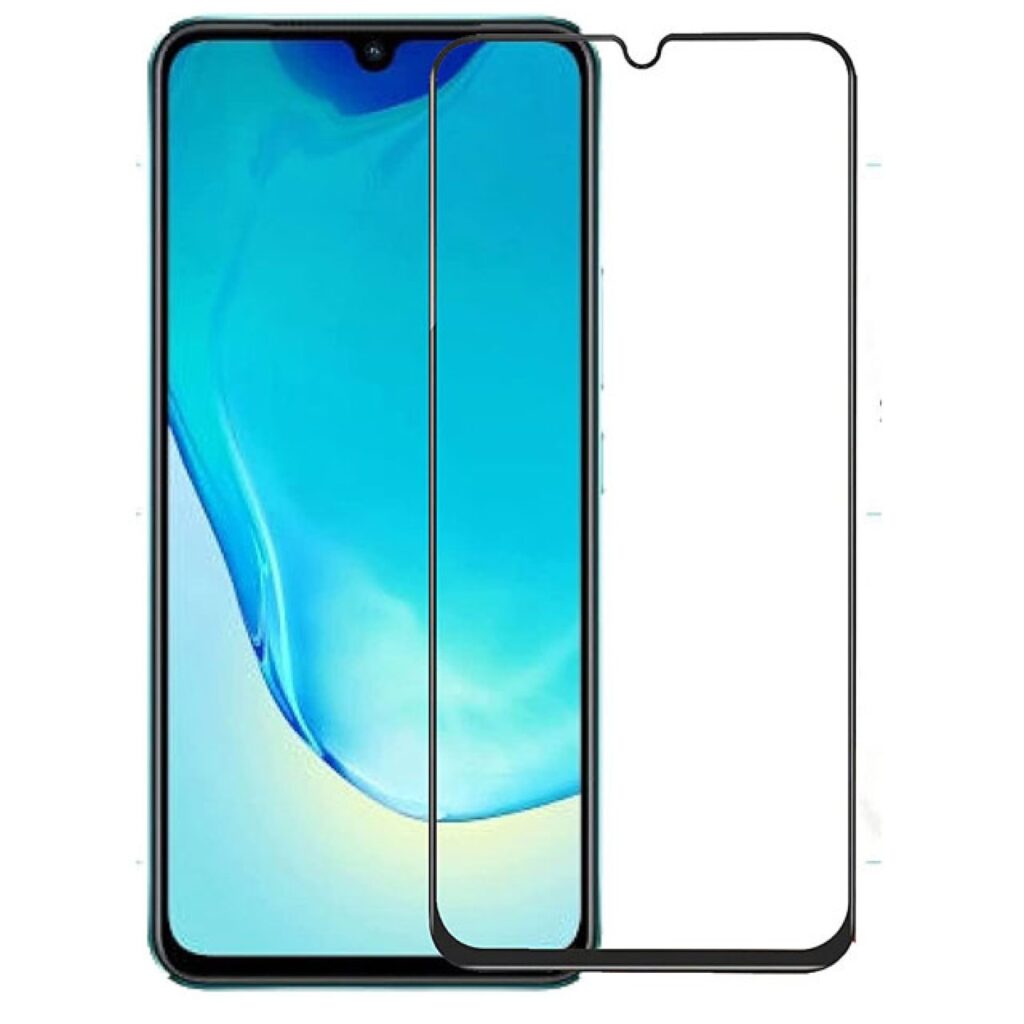
Step-by-Step Guide to Install Tempered Glass
1. Wash Your Hands and Prepare Workspace
-
Clean your hands to avoid fingerprints.
-
Sit in a dust-free environment with good lighting.
2. Clean the Mobile Screen
-
Use the wet wipe or alcohol solution to remove dirt and smudges.
-
Wipe dry with a microfiber cloth until the screen is spotless.
-
Use a dust-removal sticker for tiny particles.
3. Align the Tempered Glass
-
Before peeling the film, hold the tempered glass above the phone.
-
Make sure the cutouts for the camera, speakers, and sensors align perfectly.
4. Install the Glass
-
Peel off the protective film from the adhesive side.
-
Slowly lower the glass from top to bottom while keeping it aligned.
-
Let it stick naturally—the adhesive will spread across the screen.
5. Remove Air Bubbles
-
Press gently in the middle of the screen.
-
Push any bubbles outward using a microfiber cloth or card.
-
If dust causes a bubble, lift the glass slightly and remove it before reapplying.
Tips for a Perfect Installation
-
Never touch the adhesive side of the tempered glass.
-
Work slowly and patiently—rushing may cause misalignment.
-
Use a phone case afterward to protect the edges of the glass.
Final Thoughts
Installing tempered glass on mobile is simple and takes only a few minutes. By cleaning the screen, aligning carefully, and pressing out bubbles, you can give your phone strong, long-lasting protection while keeping it clear and responsive.