Applying a tempered glass on your mobile screen may seem tricky, but with the right steps, you can do it at home neatly—without bubbles or dust. Here’s a simple step-by-step guide.
Please Read – Super X Tempered Glass Wholesale
Step 1: Prepare Your Workspace
-
Choose a clean, dust-free area with good lighting.
-
Wash your hands to avoid fingerprints or dirt.
Step 2: Clean the Mobile Screen
-
Use the alcohol wipe usually provided in the tempered glass package.
-
Wipe the screen to remove dust, oil, and fingerprints.
-
Dry it with the microfiber cloth.
-
Use a dust removal sticker (if included) to pick up any tiny particles.
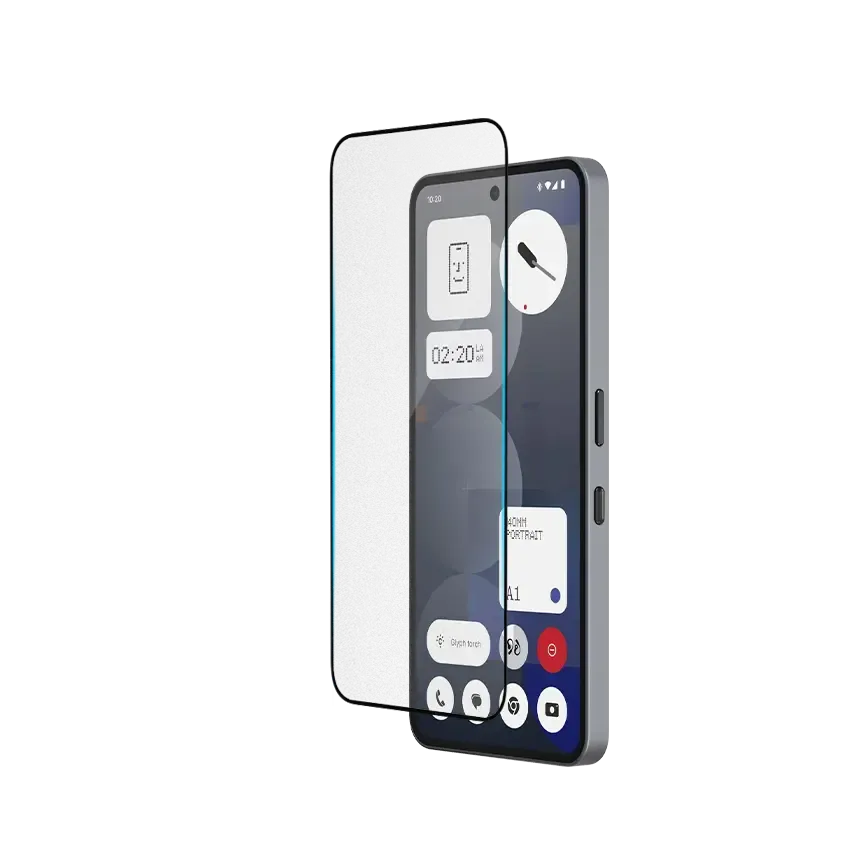
Step 3: Align the Tempered Glass
-
Hold the tempered glass by its edges.
-
Match the cutouts with your phone’s camera, sensors, and buttons.
-
Make sure it is perfectly aligned before sticking.
Step 4: Apply the Glass
-
Peel off the protective backing film from the tempered glass.
-
Gently place it on the screen starting from the top or center.
-
Once aligned, let it drop onto the screen naturally.
Step 5: Remove Bubbles
-
Press the center of the glass lightly.
-
Use a soft cloth or card to push out any air bubbles toward the edges.
Tips for a Perfect Application
-
Avoid applying in a windy or dusty environment.
-
If dust gets trapped, lift the glass gently and use a sticker to remove it.
-
Never touch the adhesive side of the glass.
Final Thoughts
Applying tempered glass on a mobile screen is easy and quick if done carefully. With proper cleaning and alignment, you can achieve a bubble-free, smooth finish that protects your phone from scratches and damage.