Applying tempered glass over a mobile screen is a quick way to keep your device safe from scratches, smudges, and accidental drops. If done carefully, you can achieve a smooth, bubble-free finish right at home.
Please Read – Super X Tempered Glass Wholesale
Step 1: Get Ready
-
Work in a dust-free environment with good lighting.
-
Wash your hands to avoid fingerprints or oil transfer.
-
Place your mobile on a clean, flat surface.
Step 2: Clean the Mobile Screen
-
Use the alcohol wipe included in most tempered glass kits.
-
Dry the screen with the microfiber cloth.
-
Check closely for dust or tiny particles—remove them with a dust sticker or tape.
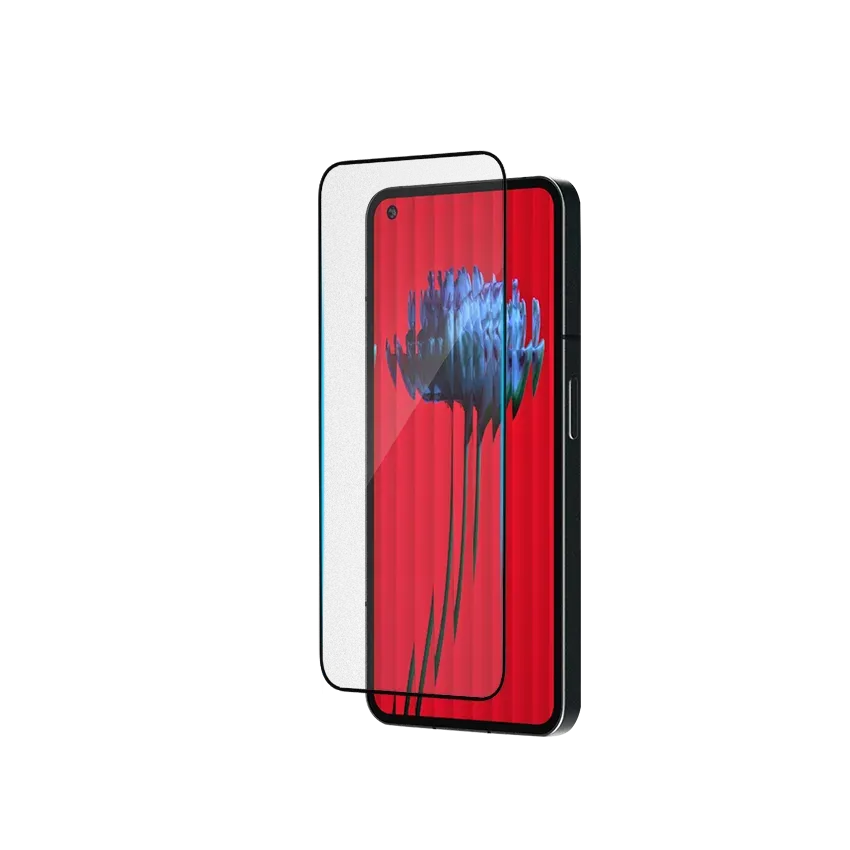
Step 3: Align the Tempered Glass
-
Hold the tempered glass by its edges.
-
Place it over the screen (without removing the protective film yet) to check alignment with the edges, camera cutouts, and sensors.
Step 4: Apply the Glass
-
Peel off the backing film from the tempered glass.
-
Carefully lower it onto the screen starting from the top or center.
-
Let it settle naturally—the adhesive will spread on its own.
Step 5: Remove Air Bubbles
-
Press lightly in the middle of the screen.
-
Use a soft card or cloth to push out bubbles toward the edges.
Pro Tips for a Perfect Application
-
Apply the glass indoors to avoid dust sticking during the process.
-
Never touch the sticky side of the tempered glass.
-
If a small dust particle is trapped, lift the glass slightly and use tape to remove it before reapplying.
Final Thoughts
Applying tempered glass over a mobile screen is simple if you clean, align, and press carefully. A properly applied screen protector not only maintains screen clarity but also adds a strong protective shield against scratches and minor drops.