Tempered glass is one of the most reliable ways to keep your mobile screen safe from scratches, cracks, and accidental drops. Many users, however, struggle with the right way to apply it. If you want your screen protector to look smooth and professional, the process needs to be done carefully.
Please Read – Super X Tempered Glass Wholesale
Why Use Tempered Glass?
-
Protects the screen from accidental drops
-
Prevents scratches and smudges
-
Maintains display clarity
-
Improves durability of the mobile screen
What You’ll Need
-
A new tempered glass (designed for your phone model)
-
Cleaning wipes (wet and dry)
-
Microfiber cloth
-
Dust-removal stickers
-
A flat, dust-free surface
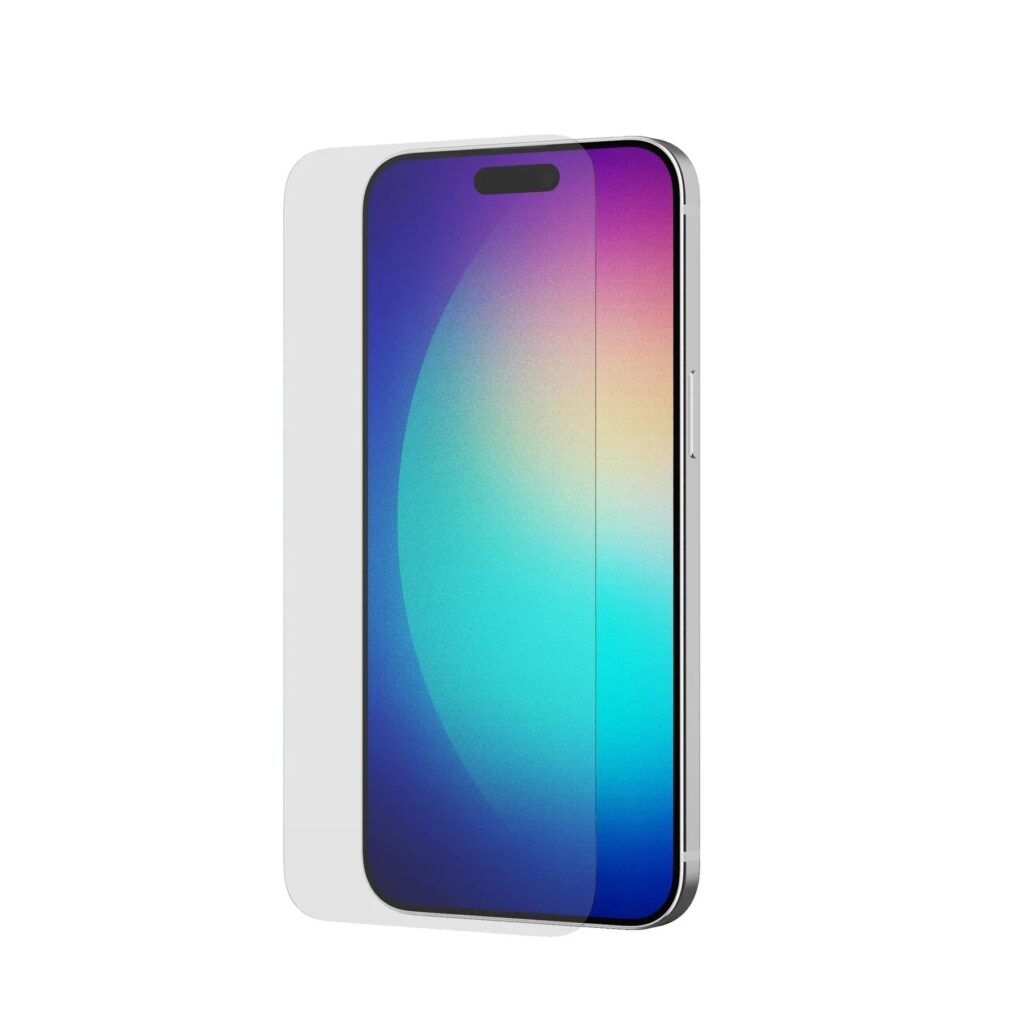
Step-by-Step Guide
1. Prepare Your Workspace
Work in a clean, dust-free environment. Turn off your phone to avoid accidental touches while applying.
2. Clean the Screen
-
Use the wet wipe to remove dirt, fingerprints, or grease.
-
Dry it with the microfiber cloth.
-
Use dust-removal stickers to clear away fine dust particles.
3. Align the Tempered Glass
-
Without removing the adhesive film, place the glass on the screen to check fit and alignment.
-
Make sure cutouts for the camera and sensors are in the right position.
4. Apply the Glass
-
Peel off the protective film from the adhesive side.
-
Slowly place the glass from top to bottom, keeping it aligned.
-
Press the center gently and allow the adhesive to spread.
5. Remove Air Bubbles
-
Use your fingers or a microfiber cloth to push bubbles toward the edges.
-
For stubborn bubbles, lift the glass slightly and reapply after dust removal.
Quick Tips
-
Avoid touching the sticky side of the tempered glass.
-
Always buy glass specifically made for your phone model.
-
Use a phone case to protect the edges after application.
Final Thoughts
Learning how to tempered glass on mobile properly is about patience and precision. A clean screen, correct alignment, and slow application ensure your phone stays protected and looks as good as new.