Tempered glass is the simplest and most effective way to protect your smartphone screen. But if you don’t stick it properly, you may end up with dust, bubbles, or poor alignment. The good news is that with a little patience and care, you can stick tempered glass on your mobile like a professional.
Please Read – Super X Tempered Glass Wholesale
Why Proper Sticking Matters
-
Prevents dust and air bubbles
-
Ensures strong adhesive grip
-
Keeps touch sensitivity intact
-
Maintains a clean, smooth look
Things You’ll Need
-
Tempered glass protector (for your phone model)
-
Cleaning wipes (wet and dry)
-
Microfiber cloth
-
Dust-removal stickers
-
A clean, dust-free workspace
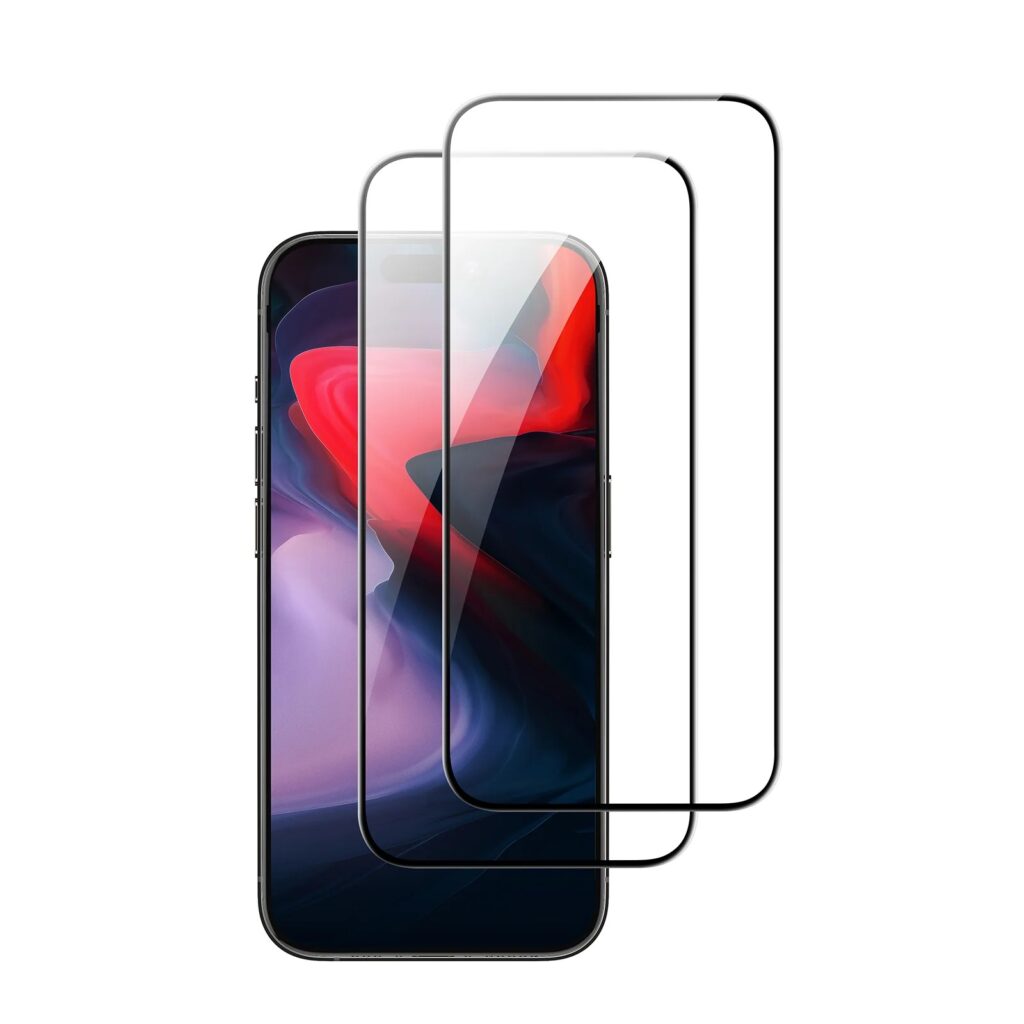
Step-by-Step Guide to Stick Tempered Glass
1. Prepare Your Phone
-
Wash your hands to avoid smudges.
-
Work in a clean, bright area with minimal dust.
-
Power off your mobile before starting.
2. Clean the Screen
-
Use the wet wipe to remove fingerprints and smudges.
-
Wipe dry with the microfiber cloth.
-
Use dust-removal stickers to clear tiny particles.
3. Align the Tempered Glass
-
Without peeling the adhesive film, place the tempered glass over the phone.
-
Check alignment with the screen edges, camera, and sensors.
4. Peel and Place
-
Carefully peel off the protective layer from the adhesive side.
-
Slowly lower the glass from top to bottom, keeping it aligned.
-
Once placed, the adhesive will spread across the screen automatically.
5. Remove Bubbles
-
Press gently in the center of the screen.
-
Push any air bubbles toward the edges using a microfiber cloth or plastic card.
Extra Tips for a Perfect Finish
-
Avoid touching the sticky side of the tempered glass.
-
If dust gets trapped, lift the edge slightly, remove the dust with a sticker, and press back down.
-
Use a phone case afterward to prevent edges from lifting.
Final Thoughts
Sticking tempered glass on your mobile is easy if you take your time. By cleaning thoroughly, aligning properly, and pressing out bubbles, you can achieve a smooth, bubble-free finish and keep your phone screen safe.