Many smartphone users are unsure whether their mobile screen already has a tempered glass protector applied or if they are just using the original display glass. Identifying it is simple if you know what to look for. Here are some easy ways to check if your mobile has tempered glass.
Please Read – Super X Tempered Glass Wholesale
1. Look for the Edges
-
Tempered glass usually has slightly raised or curved edges compared to the original screen.
-
Run your finger along the border—if you feel a thin layer above the screen, it’s likely tempered glass.
2. Check for Air Bubbles or Dust Particles
-
Some protectors trap tiny bubbles or dust specks during installation.
-
If you see these imperfections, you probably have a tempered glass protector.
3. Tap the Screen
-
Tap lightly on the display.
-
Tempered glass often produces a slightly different sound (more of a hollow tap) compared to the smooth sound of the original screen.
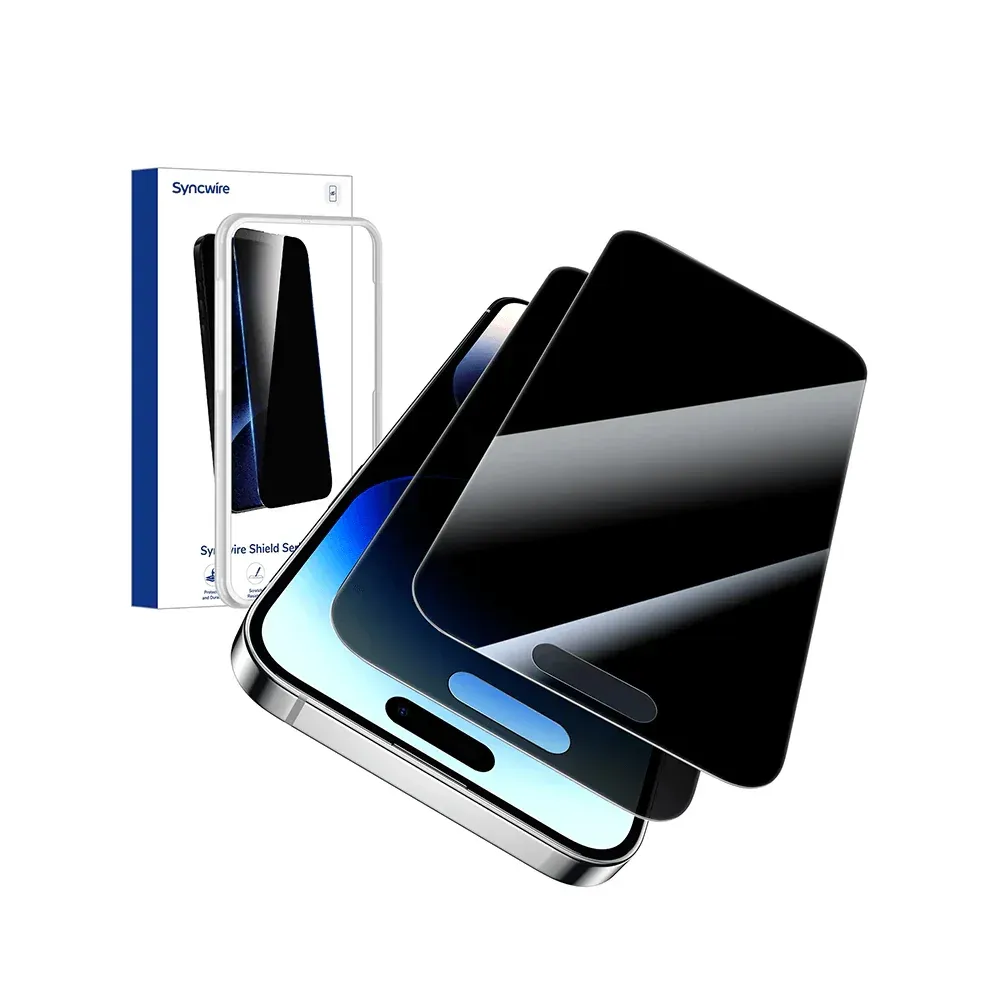
4. Look for a Cutout Around Sensors
-
Most tempered glasses have precise cutouts for the front camera, speaker, or sensors.
-
If you see visible cutouts, that indicates a tempered glass layer.
5. Check the Corners for Peeling
-
Over time, tempered glass may lift or peel slightly at the corners.
-
If you notice this, your phone has a screen protector.
6. Try Removing Gently
-
Use your fingernail along the edge to see if there’s a separate layer that can lift.
-
Be gentle to avoid damaging the screen if it’s actually just the display glass.
Final Thoughts
To find out if your mobile has tempered glass, check the edges, bubbles, sound, and cutouts. A tempered glass will always appear as an extra protective layer on top of the screen. If you’re still unsure, visit a mobile store—they can confirm it quickly.