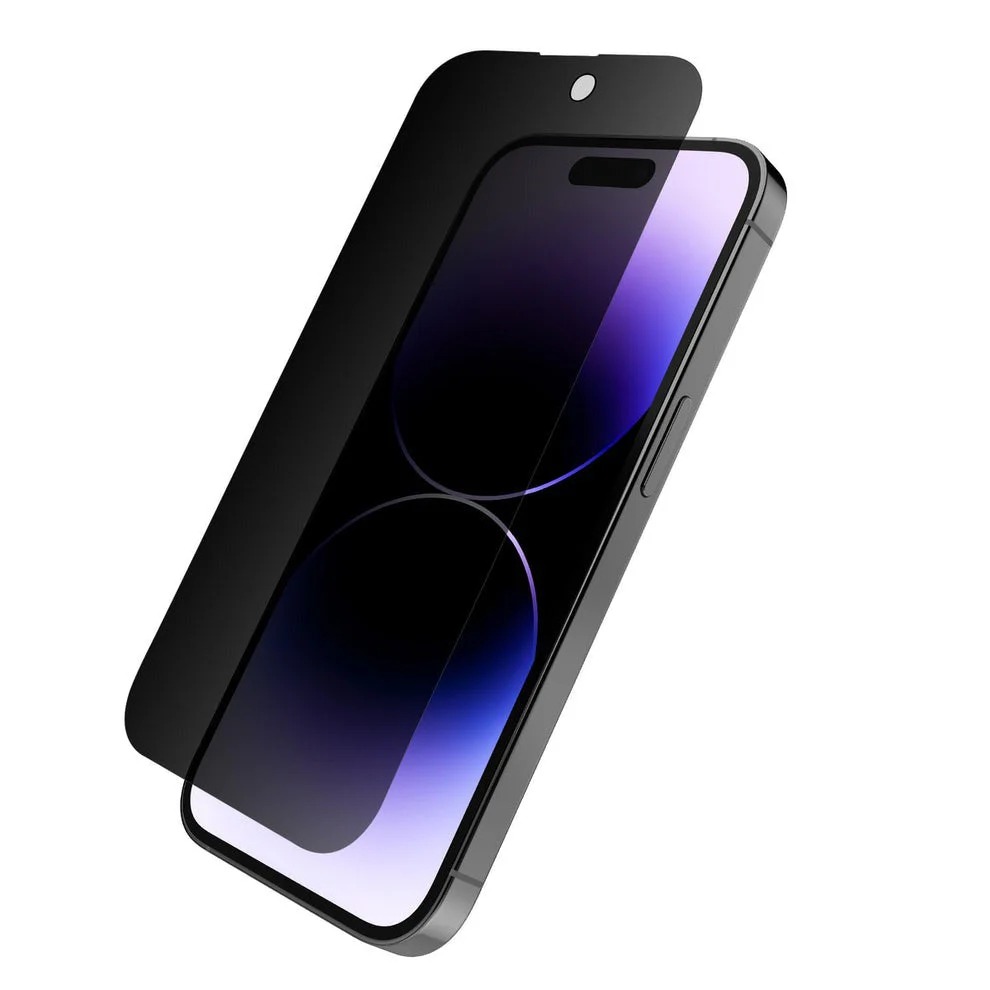
Tempered glass protects your mobile screen, but over time it collects fingerprints, dust, and smudges. Cleaning it properly helps maintain clarity and touch sensitivity. Here’s a simple guide to clean tempered glass of mobile safely.
Please Read – Super X Tempered Glass Wholesale
Step 1: Power Off the Mobile
-
Turn off your phone before cleaning to avoid accidental touches.
-
This also makes smudges and dirt more visible.
Step 2: Use a Microfiber Cloth
-
Wipe the screen gently with a soft microfiber cloth.
-
Avoid using rough fabrics like paper towels, as they can cause scratches.
Step 3: Apply a Screen Cleaning Solution (Optional)
-
If the tempered glass has oily stains or fingerprints, use a screen-safe cleaning spray.
-
Spray the solution on the cloth (not directly on the mobile).
-
Wipe in circular motions for a streak-free finish.
Step 4: Remove Stubborn Dust or Smudges
-
Use a dust-removal sticker or tape to lift small particles.
-
For sticky stains, a slightly damp microfiber cloth with water works well.
Step 5: Dry and Polish
-
Use the dry side of the microfiber cloth to polish the glass.
-
Ensure the screen is completely dry before powering on the device.
Extra Tips
-
Do not use harsh chemicals like alcohol, thinner, or glass cleaners not meant for mobiles.
-
Clean your mobile regularly to maintain clarity and hygiene.
-
If the tempered glass has deep scratches or cracks, it’s better to replace it.
Final Thoughts
Cleaning the tempered glass of your mobile is quick and easy with the right tools. Using a microfiber cloth, a little water, or a screen-friendly cleaning solution will keep your protector clear, smooth, and responsive.